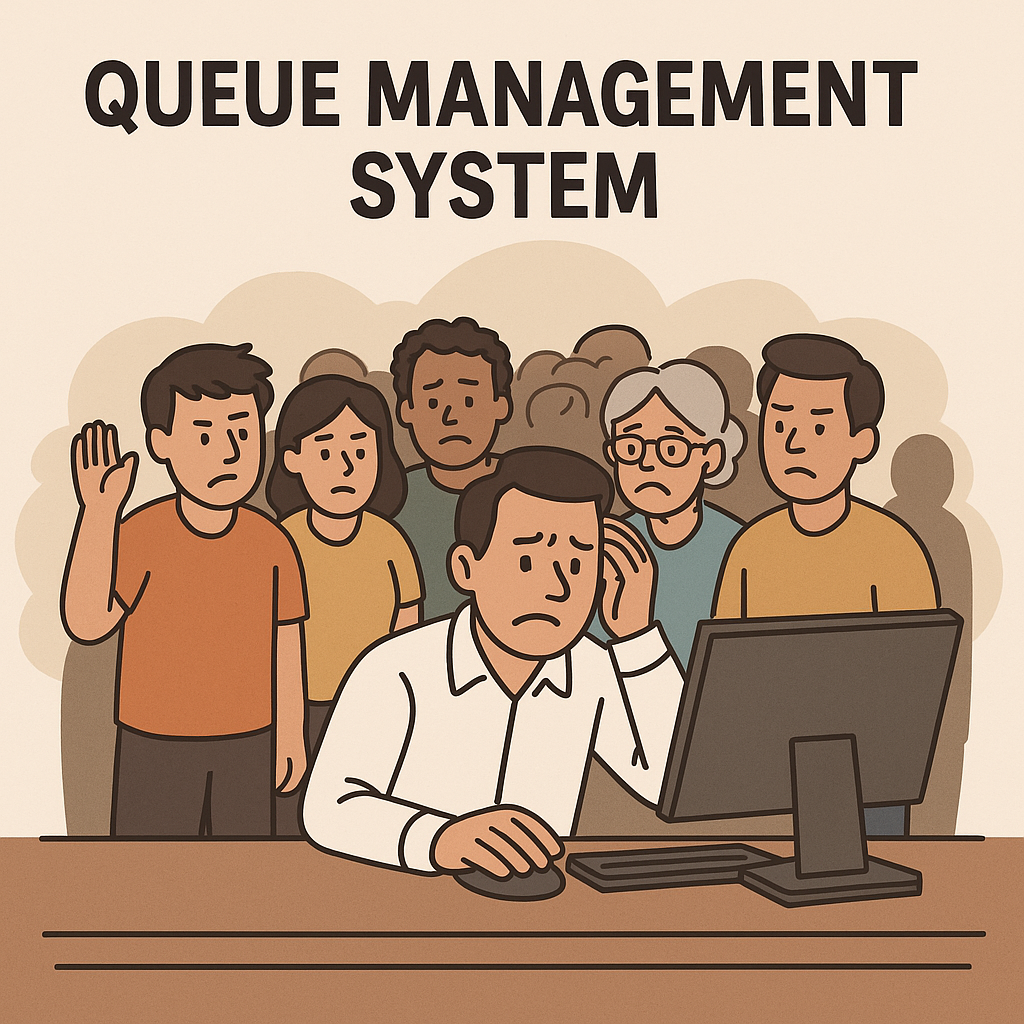
Queue Management System solutions have become essential tools for businesses seeking to deliver smooth, efficient, and professional customer experiences. From busy clinics to retail counters and service desks, managing queues effectively isn’t just about speed—it’s about keeping customers happy and staff productive.
Yet many businesses jump in without enough planning. They invest in software or hardware only to face frustrating adoption problems, customer complaints, or wasted budgets.
Avoiding these pitfalls is critical. In this guide, we’ll explore the top mistakes to avoid when implementing a Queue Management System, so you can make sure your investment delivers real results.
Why a Queue Management System Matters
Let’s start with why so many businesses invest in queue management in the first place.
✅ Reduce physical lines and crowding
✅ Improve safety with contactless service
✅ Speed up customer service times
✅ Provide clear, transparent wait times
✅ Enhance the customer experience and brand image
Whether you’re a small shop, medical clinic, government office, or large retailer, a Queue Management System helps you serve more customers efficiently while making them feel valued.
But only if you do it right.
1️⃣ Ignoring Your Customers’ Needs
One of the biggest mistakes is choosing a Queue Management System without first asking:
-
Who are your customers?
-
What is their comfort level with technology?
-
How do they want to be served?
For example, older customers might struggle with complex apps but love scanning a simple QR code. Families might appreciate waiting in their car with kids instead of a crowded lobby.
Ignoring these realities means your system will be underused—or even resented.
✅ Solution:
Survey customers. Ask what would make their visit easier. Choose technology that matches their habits.
2️⃣ Overcomplicating the Solution
Many businesses think more features = better system.
But if staff and customers find it confusing, it will fail.
Examples of overcomplication:
❌ Requiring customers to download an app they’ll use once
❌ Complex kiosk interfaces with too many steps
❌ Overwhelming dashboards that frustrate staff
✅ Solution:
Focus on simplicity. A good system (like QRJ Queue Management System) lets customers join with one QR scan or link—no logins, no downloads.
3️⃣ Not Training Staff Properly
Even the best technology fails if your team doesn’t know how to use it confidently.
Staff errors lead to:
-
Confusing calls or missed turns
-
Frustrated customers
-
Negative reviews
✅ Solution:
-
Hold short, hands-on training sessions.
-
Show staff how to “Call Next,” repeat calls, check queue status.
-
Role-play common issues so they’re ready to handle them.
Well-trained staff make the system feel smooth and professional.
4️⃣ Forgetting About Signage and Instructions
Many businesses set up a Queue Management System but fail to tell anyone.
Customers won’t automatically know to scan a code or click a link.
Signs that are too small or unclear are worse than no sign at all.
✅ Solution:
✅ Use clear, large signs with simple instructions:
“Scan this QR Code to Join the Line”
✅ Include multiple signs at different heights and places.
✅ Use staff to guide first-time users.
For tips on great signage, see resources like OHSE.ca.
5️⃣ Ignoring the Mobile Experience
Most customers will use your system on their phones.
If your queue system isn’t mobile-friendly, you’ll have big problems:
❌ Unreadable text
❌ Broken buttons
❌ Frustrated customers who give up
✅ Solution:
✅ Choose a responsive, mobile-first system.
✅ Test on both Android and iOS.
✅ Make sure scanning a QR code or clicking a link is seamless.
6️⃣ Overlooking Data and Analytics
Some businesses see a Queue Management System as just a digital line.
But it’s also a gold mine of data.
If you ignore your data:
❌ You won’t see peak times.
❌ You can’t optimize staff schedules.
❌ You’ll miss chances to reduce wait times.
✅ Solution:
✅ Choose systems with analytics dashboards.
✅ Review metrics weekly.
✅ Make informed decisions about staffing and service design.
7️⃣ Failing to Test Before Launch
Rolling out a new Queue Management System without testing is asking for disaster.
Uncaught bugs, confusing interfaces, and hardware failures will frustrate customers on Day 1.
✅ Solution:
✅ Run a pilot test with staff.
✅ Get feedback.
✅ Test signage, notifications, and staff processes.
✅ Adjust before going live.
8️⃣ Not Planning for Internet Reliability
Most modern queue systems depend on cloud access.
If your Wi-Fi is weak or your plan has data limits:
❌ Dashboard updates can lag.
❌ Notifications might fail.
❌ Customers get confused and annoyed.
✅ Solution:
✅ Ensure strong, stable internet at service counters.
✅ Have a mobile data backup if needed.
✅ Choose a lightweight system that performs well even on slower connections.
9️⃣ Ignoring Customer Privacy
Some systems ask customers for personal details—phone numbers, names, even email.
Failing to secure this data or using it improperly can hurt trust and even break laws.
✅ Solution:
✅ Choose systems that require minimal data.
✅ Clearly explain why you collect any info.
✅ Make sure your privacy policy is easy to find.
For privacy-first options, look at browser-based, no-login systems like QRJ.ca.
10️⃣ Not Marketing Your New System
Even with perfect technology, you won’t get results if people don’t know about it.
Businesses often forget to market their new, improved queue experience.
✅ Solution:
✅ Announce it on social media.
✅ Add details to your website.
✅ Tell customers at checkout or reception.
✅ Offer incentives for first-time users.
🏆 Final Thoughts on Avoiding Mistakes with Your Queue Management System
A Queue Management System is one of the most impactful tools you can add to your business. It improves service quality, reduces stress, and builds customer loyalty.
But only if you implement it well.
By avoiding these common mistakes—like ignoring customer needs, skipping staff training, or neglecting signage—you’ll make sure your investment pays off with happier customers and smoother operations.
If you’re serious about upgrading your service, plan carefully, choose the right system, and launch it the right way.